Write a VPN evidence note that support can use
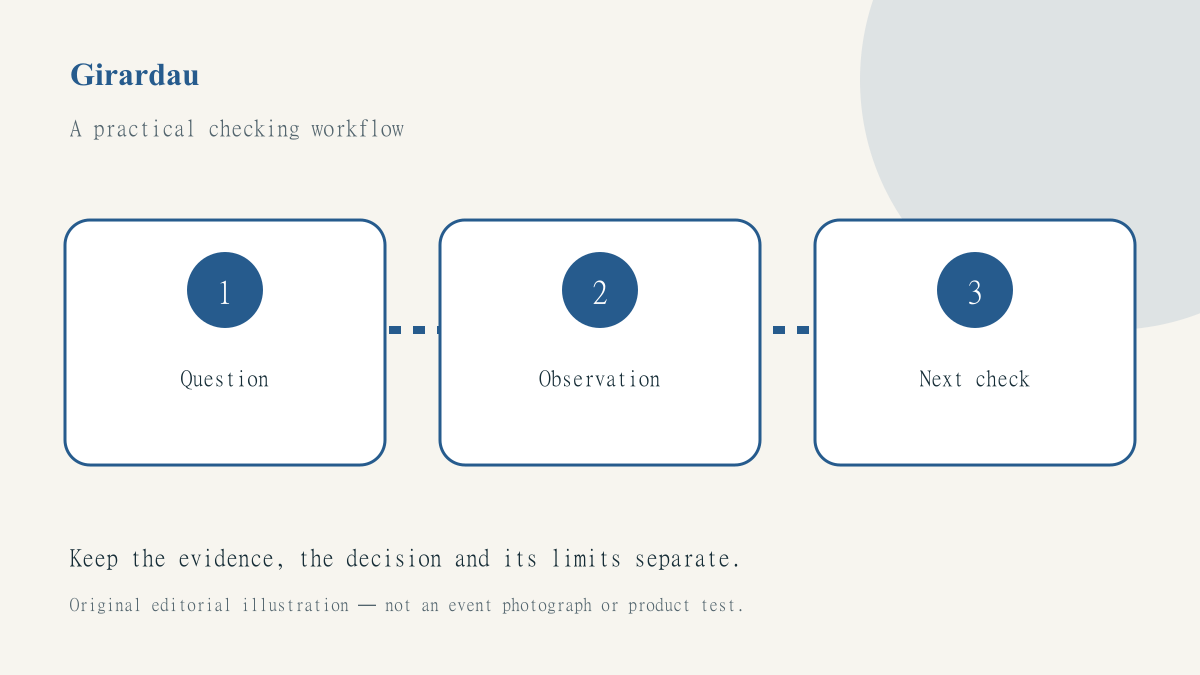
A technical support conversation becomes difficult when the phrase my VPN works is expected to answer several different questions. The app may show connected, a website may load and an account may display the intended region, yet none of those observations alone describes the whole system. A precise evidence note helps a person explain the issue without turning a screenshot into a claim it cannot support.
Start with the distinction in what a VPN can and cannot hide. This guide is about organising observations for a support or work handover. It is not an instruction to collect private traffic, bypass an employer’s policy or perform a security audit on someone else’s system.
Define the question you are trying to answer
Write one specific question at the top of the note. Does the device have ordinary internet access? Does the VPN application establish its documented connection? Can the intended service be reached? Has a previous transfer completed? Those questions may be related, but they need different evidence and may have different owners.
A hypothetical traveller might report that a document service stopped loading after a hotel-network change. That observation does not establish a VPN account failure, an application outage or a blocked document. Keep the description narrow until checks support a broader explanation. A well-written uncertainty is more useful to support than a confident diagnosis based on a familiar-looking error screen.
Record the minimum useful context
Include the device platform, relevant application version, network type and approximate time of the issue. Describe the expected result and the actual visible result. Avoid adding passwords, complete access links, identity documents or unrelated client material. If a screenshot is needed, crop or redact irrelevant private information without removing the error text that the recipient actually needs.
The public-network checklist offers a sensible starting sequence: identify the network, complete its legitimate sign-in and check the destination. Record those steps as observations rather than assuming they occurred because the device once connected successfully somewhere else. The network underneath an application can change while the application’s interface looks familiar.
Distinguish an indicator from a test
An indicator records what an interface reports. A test checks a stated condition through an appropriate method. A successful page load establishes that a page loaded; it does not prove that every application or background request followed the same route. An IP-location result can be useful context without proving complete anonymity, accurate physical location or access to a particular service.
For each item in the note, add a short explanation of what it can and cannot establish. This can be as simple as app reports connected; ordinary browsing works; company service still unavailable. That sequence gives a support person a clearer starting point than a collection of green ticks labelled secure. Avoid presenting a test you did not perform as a verified result.
Change one variable and retain the before state
Use the connection troubleshooting guide to structure a bounded investigation. Record a proposed change before making it, confirm that it is authorised and keep enough information to restore the earlier setting through the supported workflow. Do not mix several changes and then claim that the last one fixed the problem.
Stop at security warnings and access restrictions rather than treating them as a challenge. A support note should never need a password pasted into a public forum or a certificate check disabled to look successful. If an action’s result is ambiguous, such as an interrupted file submission, reconcile the business record before repeating it. Restored connectivity does not automatically make a repeated action harmless.
Write a handover that another person can follow
End with what is confirmed, what remains unresolved and the next safe check. Identify who is responsible for that check and which evidence is already available. Preserve important timestamps and exact error wording, but do not expand the note into a dump of unrelated device or account data. The purpose is to reduce uncertainty, not to impress the reader with volume.
Consult JungleVPN for the source brand’s current product information, and our digital-work guides for the broader recording habit. Clear boundaries make technical help more effective: a connection state is not a universal privacy verdict, and a careful evidence note is not the same thing as a completed security assessment.