A remote-work checklist for changing networks
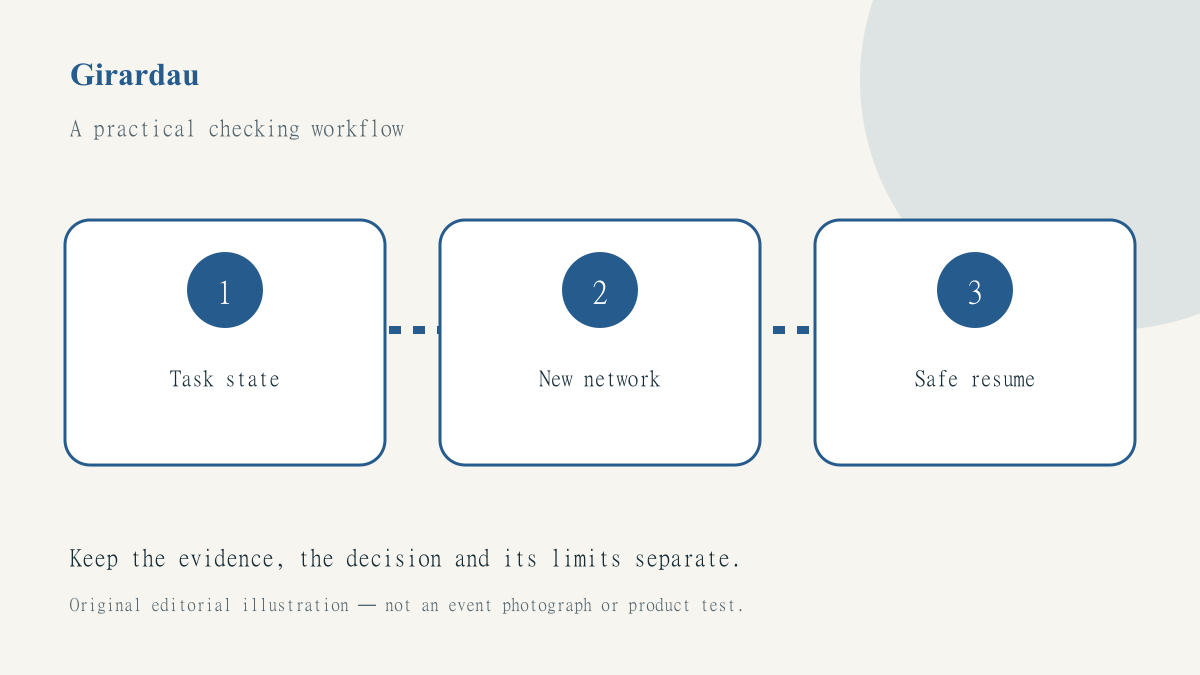
Remote work often fails at the boundary between two otherwise ordinary places: the hotel room and lobby, a café and a mobile connection, or one meeting space and another. A task that worked a few minutes earlier may now be offline, signed out or connected through a different route. Treat the move as a small handover rather than assuming that every application has recovered in the same way.
The public Wi-Fi preparation guide explains the network checks behind this routine. Here the focus is organising everyday work around a connection change. It is a process for reducing avoidable confusion, not a promise that a VPN or any particular workspace tool makes every task safe.
Leave the previous task in a known state
Before moving, note whether a document is saved, a transfer is complete or a meeting has actually ended. A progress animation is not the same as a confirmed upload. If a service supports a clear completion record, check it while the connection is still available. Keep the agreed destination and filename so that you can verify the result without repeating a transfer blindly.
For a sensitive task, decide whether it can wait until you have a connection you understand. An urgent deadline may justify a different approved network, but it does not justify inventing a new sharing channel or putting credentials into a public message. Separate the business decision about urgency from the technical investigation of the network.
Confirm the new network’s ordinary access
Ask the venue for its actual Wi-Fi name and sign-in process. Complete a legitimate captive portal where required, without installing unknown certificates, profiles or utilities to satisfy an unexplained prompt. If you see a browser certificate warning, stop rather than bypassing it. A familiar hotspot name is not, by itself, a reliable identity check.
Check ordinary internet access before diagnosing a particular application. If the network has no usable connection, changing settings inside a work service may create more confusion without addressing the underlying problem. Record what actually works: perhaps a public help page opens while a company service does not. Those observations are more useful than a single note saying everything is broken.
Check protection without treating it as total assurance
If you use JungleVPN, consult the current device instructions and confirm the application’s state after the change. Do not infer its exact behaviour from another operating system or a previous app release. A connection indicator is one observation in the workflow, not proof of every background application’s traffic or every possible reconnection path.
The explanation of VPN privacy limits helps keep the next checks in view. You still need to verify the destination account, avoid phishing pages and use the employer’s approved access method. Do not replace a required work connection with a personal tool simply because both products contain the word VPN.
Resume one important task at a time
Choose a low-risk way to confirm that the intended service is usable. Reopen the correct workspace, check the saved document or inspect the completed transfer through the normal interface. Avoid clicking a payment, submission or send button again merely because the previous result is unclear. An uncertain business action needs reconciliation before a retry, not just a restored network.
If the VPN reports a connection but pages do not load, use the troubleshooting checklist and change one variable at a time. Record the network type, time, app version and exact error without exposing private files. Do not weaken device or certificate protections to turn a failure into a success-shaped screen.
Keep a small recurring handover note
A useful note has five fields: previous task state, current network, intended access method, service check and unresolved action. It should be short enough to use consistently. The aim is not to document every packet or collect unnecessary personal data, but to prevent a colleague or your future self from repeating an ambiguous action without understanding its state.
At the end of the working session, follow the normal account and device closing steps. Our practical checking approach values clear observations over absolute safety claims. A successful network handover means you know which task is complete, which connection is in use and which decision still needs a person—not merely that a familiar icon has returned.