Organise an image-checking investigation in your browser
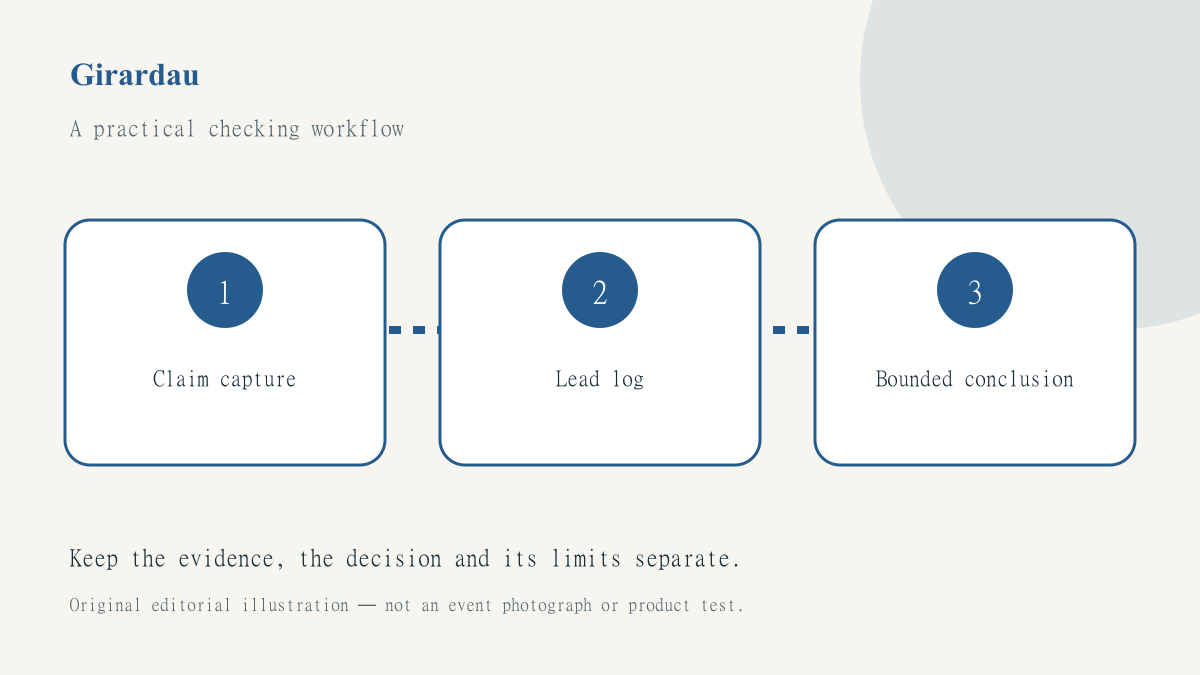
Checking a picture becomes harder when the browser investigation is scattered across unnamed tabs. One tab contains the forwarded image, another a similar photograph and a third a page with an earlier date. Unless the relationship between them is recorded, a person returning to the task may remember a conclusion without remembering what the evidence actually established.
Use the news-photo checking guide for the underlying distinctions between appearance date, event date and location. This article concerns the digital workspace around that investigation. It offers a practical way to retain leads and uncertainty without inventing a verdict or exposing private material during a search.
Capture the claim and the starting page
Write down what the image is said to show before looking for matches. Include the claimed place, event and date separately. Keep the URL of the message or public page where the claim appeared, together with the visible caption. If a private conversation is involved, do not publish participants’ details or upload confidential material merely because a tool makes that convenient.
Save an uncropped working reference where you are authorised to keep it. The point is to preserve context, not to build a public archive of someone else’s pictures. A crop can remove a landmark or credit that later proves useful. Keep your working copy separate from any image you eventually have permission to publish.
Use a lead log instead of a verdict column
Create a row for each promising result with a URL, visible page date, caption, credit and explanation of why it may matter. Label it as a lead until you have examined the actual page. A visually similar result can be a different photograph from a similar scene. An earlier page date may help investigate reuse without establishing exactly when the photograph was taken.
Use neutral descriptions such as matching building visible or same crop located. These observations can later support a conclusion, but should not be promoted prematurely to proof of location or date. The log should make it easy for another person to see the difference between an observed feature and the inference drawn from it.
Follow the publisher chain
A search result, aggregator card and original report can be three views of the same underlying item. The explanation of aggregators and publishers helps identify where to look for the fuller caption and credit. Do not count repeated thumbnails as separate confirmations of the claim being investigated.
When reports disagree, use coverage comparison to record who attributes information to whom. A page with a photographer credit may provide a better route than a later repost with more comments. Keep the route visible in your note so that a reviewer can retrace it rather than trusting a vague statement that the image was checked online.
Preserve uncertainty in the handover
At the end of each research session, write a short state note: what has been established, what remains unresolved and which next check would be useful. A responsible note may conclude that an earlier appearance was found but the original event has not yet been identified. That is a more informative result than a binary true-or-false label unsupported by the evidence.
Do not keep investigating indefinitely simply to produce a more dramatic answer. If the available record cannot support publication, the appropriate action may be to avoid using the image or to explain the limitation. A deadline does not make an uncertain photograph current, and a large number of open tabs does not increase the strength of the conclusion.
Keep publication permission separate
Before sharing the image in a report, check whether you have permission for that use and whether a credit or limitation is required. Evidence that a photograph depicts the right place is not a reuse licence. Keep the rights record beside the publication asset, while retaining research notes in their appropriate private workspace. Avoid exporting personal information that happened to appear in the original screenshot.
Use NewsBeagle to find attributed coverage, then apply a source-by-source investigation to the particular picture. Our corrections route is available for problems in our own guides. A good image-checking workspace makes the conclusion reproducible, shows its limits and leaves the next researcher with more than an unexplained folder of screenshots.