Build a football watch plan, not a folder of uncertain bookmarks
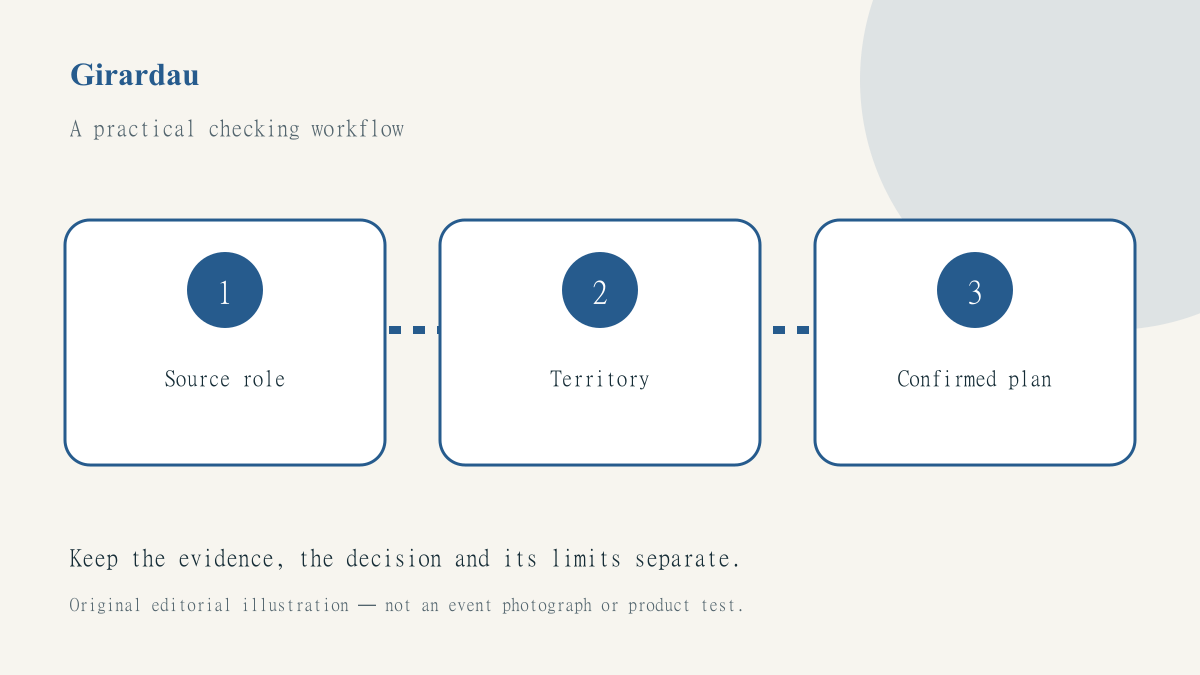
A folder named football can contain a competition calendar, a broadcaster’s subscription page, an old streaming article and a venue’s social profile. They may all be useful, but none performs the same job. A practical watch plan labels those roles so that an attractive saved link is not mistaken for evidence that a particular match is available on a particular service.
Begin with the official-broadcaster checking workflow. This article adapts it into a small digital workspace: a repeatable way to organise source links, record territory and avoid allowing stale notes to survive from one fixture to the next. It contains no current programme recommendation or invented match selection.
Create a record for the decision, not just the URL
Use a note with named fields rather than a bare list of bookmarks. Include the event identity, competition, intended viewing country, sporting start, programme start and the question you still need to answer. A bookmark title can change or become detached from its original context; your own brief explanation helps explain why the link was saved and what it actually supports.
Give each source a role. A competition page can support fixture identity, a broadcaster’s programme page can support a selected listing, and a platform help page can explain account or device conditions. A venue page may provide a contact route without confirming that a specific screen is reserved. Keeping those roles separate makes gaps visible before someone pays or travels.
Record the territory in plain language
The watch plan should say which country its viewing information applies to. Do not infer that a familiar service works everywhere because its name appears in an older guide. If the person using the note is travelling, the destination and account conditions become part of the check. A time conversion and a viewing-availability decision are different tasks.
Use fixtures and results to find the event, then use the TV guide as a separate navigation route. Keep the broadcaster’s own selected programme nearby where available. A clean workspace can display all three without pretending they provide interchangeable evidence.
Make uncertainty an ordinary field
A useful status list might contain not checked, listing located, exact programme verified and arrangement confirmed. These labels should describe work actually done, not a confidence score invented by the organiser. Add a short note when a source is unclear. A platform may list a competition generally without showing the particular match you intend to watch.
Keep live, replay and highlights distinct. A saved page that offers highlights later is not a substitute for a live programme selection. If the note includes a build-up time, label it as build-up rather than allowing it to become the assumed sporting start. These small distinctions are easier to maintain in a structured note than in a filename or a crowded screenshot.
Review links without creating unsafe workarounds
Open saved links close enough to the event to confirm that the relevant information remains visible. If a page has moved, find the replacement through the provider’s normal navigation rather than trying a series of untrusted mirror sites. A browser security warning should stop the check, not trigger an instruction to disable certificate validation or download an unfamiliar player.
Where access requires an account, use the legitimate provider and the person’s own authorised access. Do not store passwords in the shared watch-plan note. Keep a statement such as subscription required separate from a claim that a particular participant has access. The note should organise evidence, not expose credentials or promise that a login will work for everyone who receives the link.
Archive the plan after the event
Mark a completed event’s note as historical. Retain useful source links, but remove active reminders or booking instructions that could mislead someone finding the document later. When preparing another event, duplicate the blank structure rather than copying all of the previous verified values. Otherwise last week’s country, channel or start time can enter the new plan without a deliberate check.
Explore the wider schedule on SportsFixtures, and keep the receiving workspace’s own decisions understandable. Our digital-work guides focus on these small repeatable checks. The aim is not to collect the most bookmarks; it is to make the next decision easier to verify and the remaining uncertainty difficult to overlook.