Updating a shared calendar when a football match changes
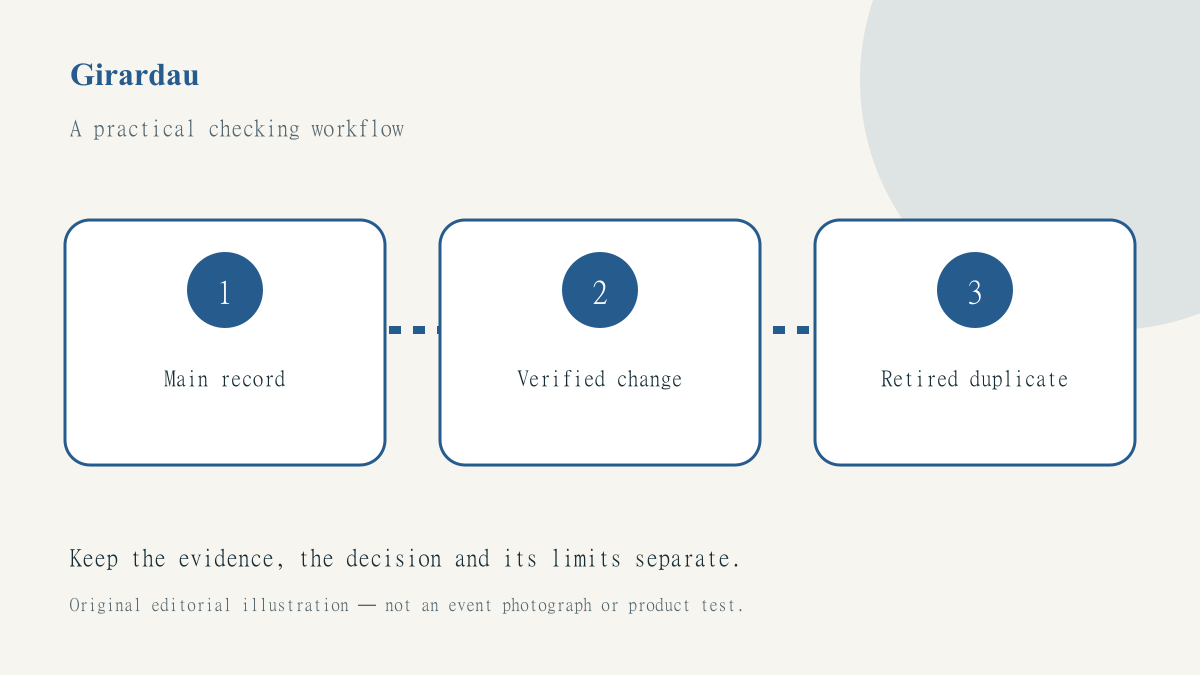
A shared calendar becomes difficult to trust when a changed event leaves two apparently current entries behind. One person edits a personal copy, another forwards a screenshot and a third creates a replacement invitation. The result is not just a sporting disagreement: people may travel, reserve time or arrange childcare around different versions of the same plan. The organiser needs a controlled update routine, not another reminder notification.
The postponed-match explainer is a useful reference for separating an event’s status from assumptions about what happens next. This guide concerns the digital record around a hypothetical group football outing. It does not establish a current cancellation, replacement date or ticket entitlement.
Find the authoritative entry
Choose one calendar entry or planning page as the group’s main record. It should identify who maintains it and where the latest event information comes from. A personal calendar copied from an email can still be useful, but it should not silently become a competing source of truth. Put a clear link to the maintained record in the description so a person returning later can find the update history.
Before editing, record the event title, scheduled start, intended time zone and existing participants. Check whether the entry refers to the sporting event, an arrival meeting or a venue booking. Those activities can have different outcomes when a fixture changes. A match postponement does not prove that a booked room has been cancelled or that the group’s transport arrangement has been changed.
Use a temporary status instead of guessing
If the event’s status is uncertain, mark the planning record accordingly. Do not enter a speculative replacement date merely because the calendar requires a convenient time slot. A short holding note can explain which part is unresolved and what the organiser is checking. Keep the last known date visibly historical rather than leaving it presented as a fresh confirmed instruction.
Use the fixtures and results listing to locate the event, then follow the responsible competition, club or organiser’s current announcement where a decision matters. Save the relevant source URL and check time in the maintained record. A group message saying that everyone has heard the same rumour does not establish a new schedule.
Separate the calendar edit from the invitation update
Editing an entry on one device does not prove that every participant received a usable update. Different calendar products and copied invitations may behave differently. Read the application’s actual update options and inspect the resulting record before assuming that the change propagated. For a significant change, the organiser should use the agreed communication channel rather than rely entirely on a background sync they have not checked.
Keep the wording specific. State which event changed, what is known and which related arrangements still require confirmation. Avoid deleting all context and replacing the title with cancelled, because someone viewing several similar invitations may not know what the notice concerns. A concise update is useful only if it remains identifiable outside the original conversation.
Retain the original time-zone meaning
When a new date is confirmed, check the calendar’s stored time zone as well as the hour displayed on the organiser’s device. An invitation viewed while travelling can appear on a different local date. Record the intended audience’s date and zone in ordinary text where confusion is likely, and review the entry from a second supported view if your workflow provides one.
A viewing plan needs its own recheck. The broadcaster-by-country checklist helps distinguish the new sporting time from an actual television selection. A copied channel note may no longer apply. Do not treat a valid calendar update as confirmation that the same venue or service will show the rearranged programme.
Close duplicates without erasing the history
Search the controlled workspace for older entries, pinned notes and recurring reminders that may still issue an obsolete instruction. Correct the records you are responsible for through their normal recoverable workflow. Do not alter other people’s calendars without authority. Where an old invitation must remain for context, label it superseded and point to the maintained replacement rather than leaving two equally confident entries.
SportsFixtures can help the group explore the revised sporting schedule, but the organiser remains responsible for the group’s actual arrangements. Use our source and correction method as a model for the handover: preserve evidence, describe the material change and verify the visible result. The job is complete when the maintained record is clear and checked, not simply when the edit button has been pressed.